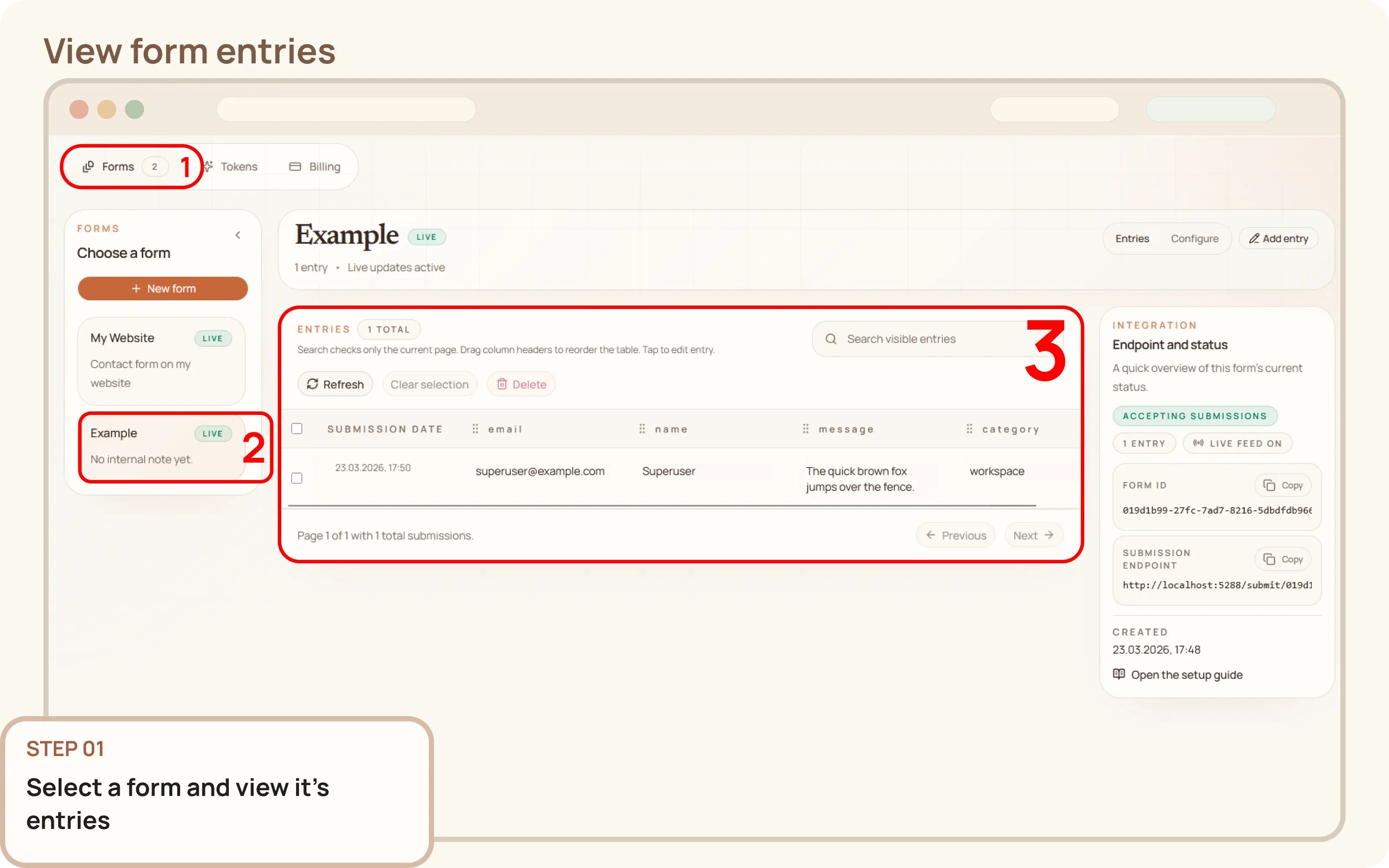
Select a form
- Go to
Workspace > Formsand select the desired form. - The
Entriestab will be open by default, displaying all stored submissions for that form.

Documentation
Guides and public API reference
Documentation
This guide explains how to view and search form entries from the Mountly dashboard.
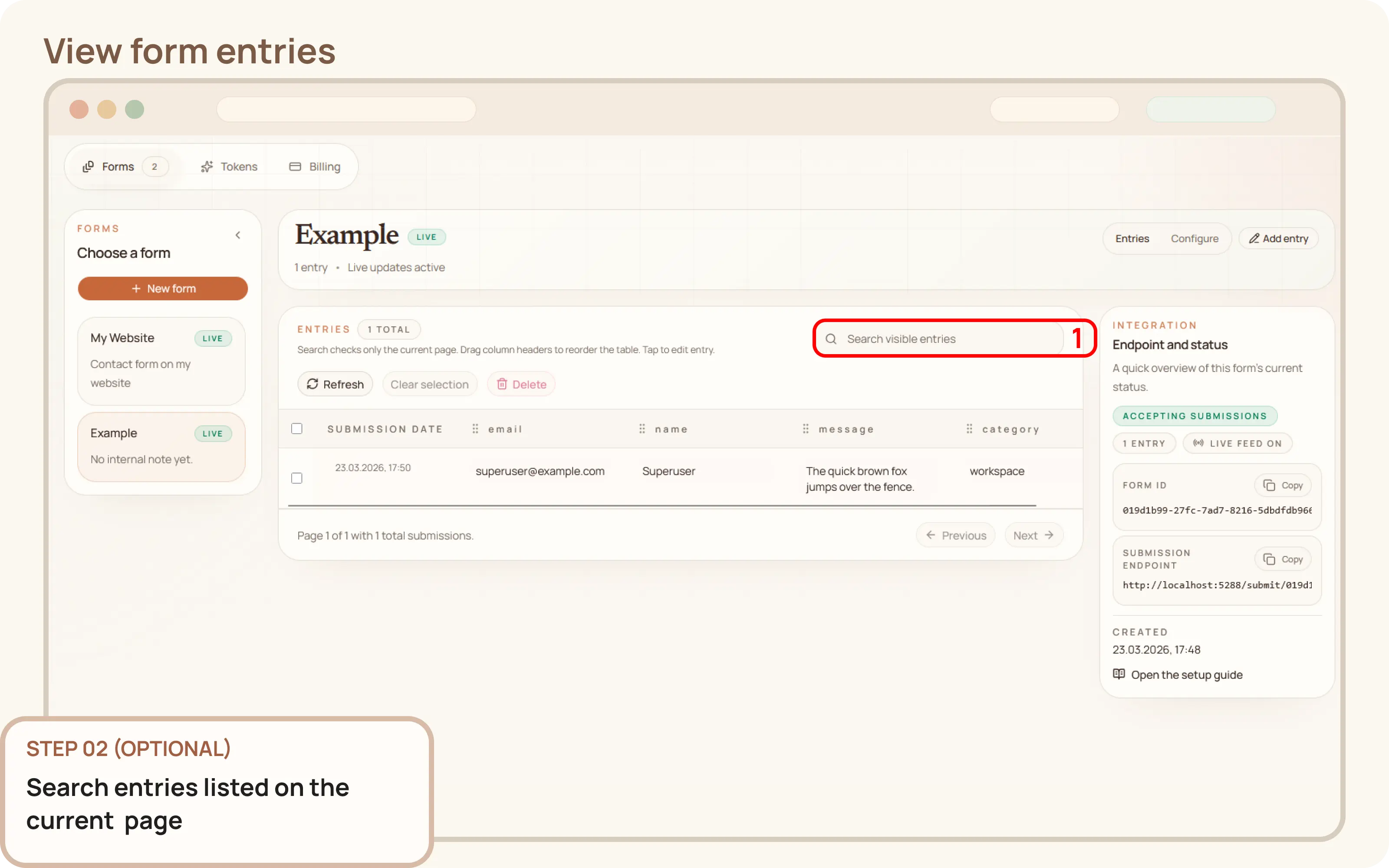
Workspace > Forms and select the desired form.Entries tab will be open by default, displaying all stored submissions for that form.Use the search field to filter the entries on the current page. Entries not listed on the current page are not included in the search. If you want a proper search feature let me know.