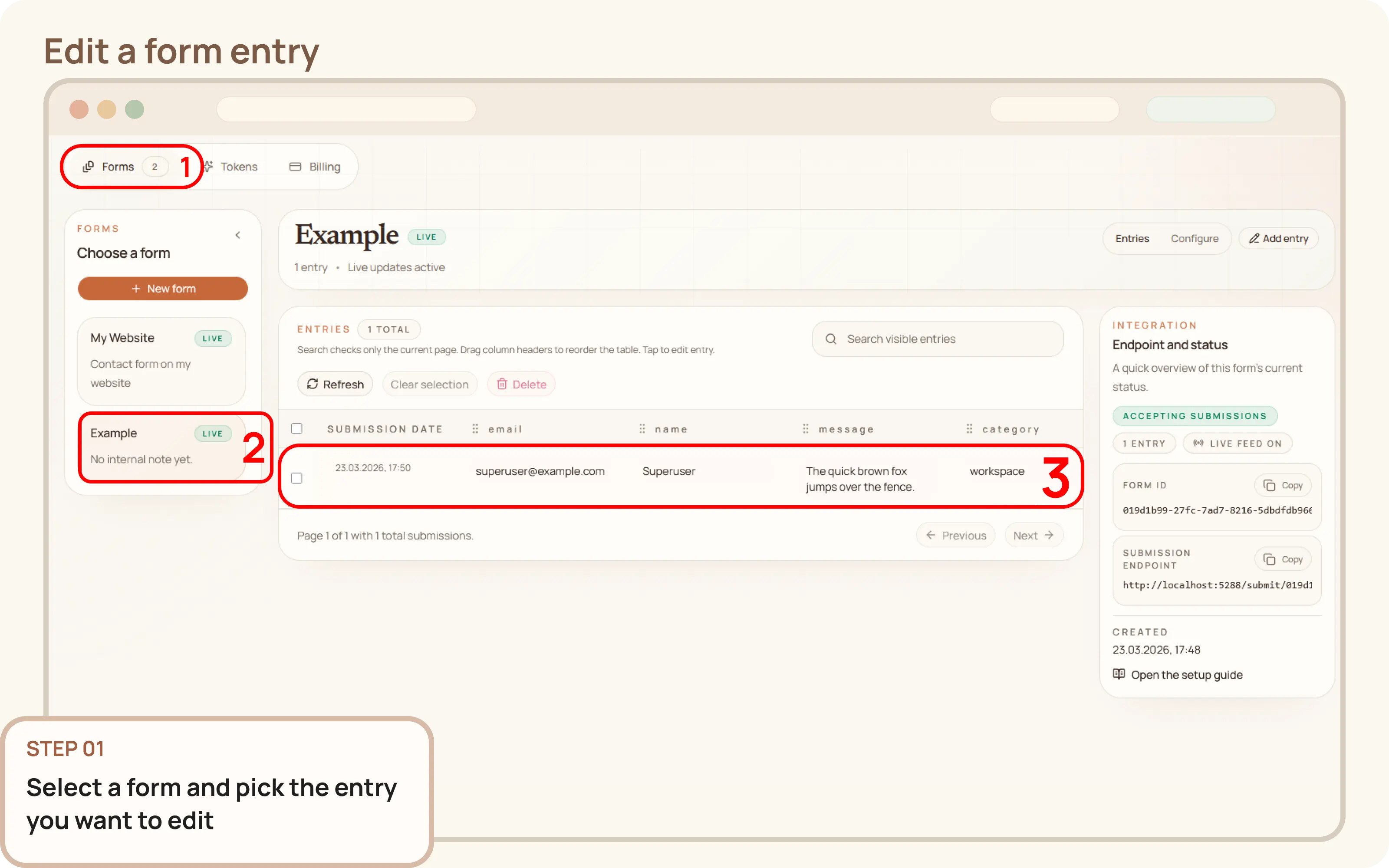
Select an entry to edit
- Go to
Workspace > Forms > Entries. - Click the submission you want to modify to open the entry editor.

Documentation
Guides and public API reference
Documentation
This guide explains how to edit a form entry from the Mountly dashboard. This is useful when a stored submission needs to be corrected or updated.
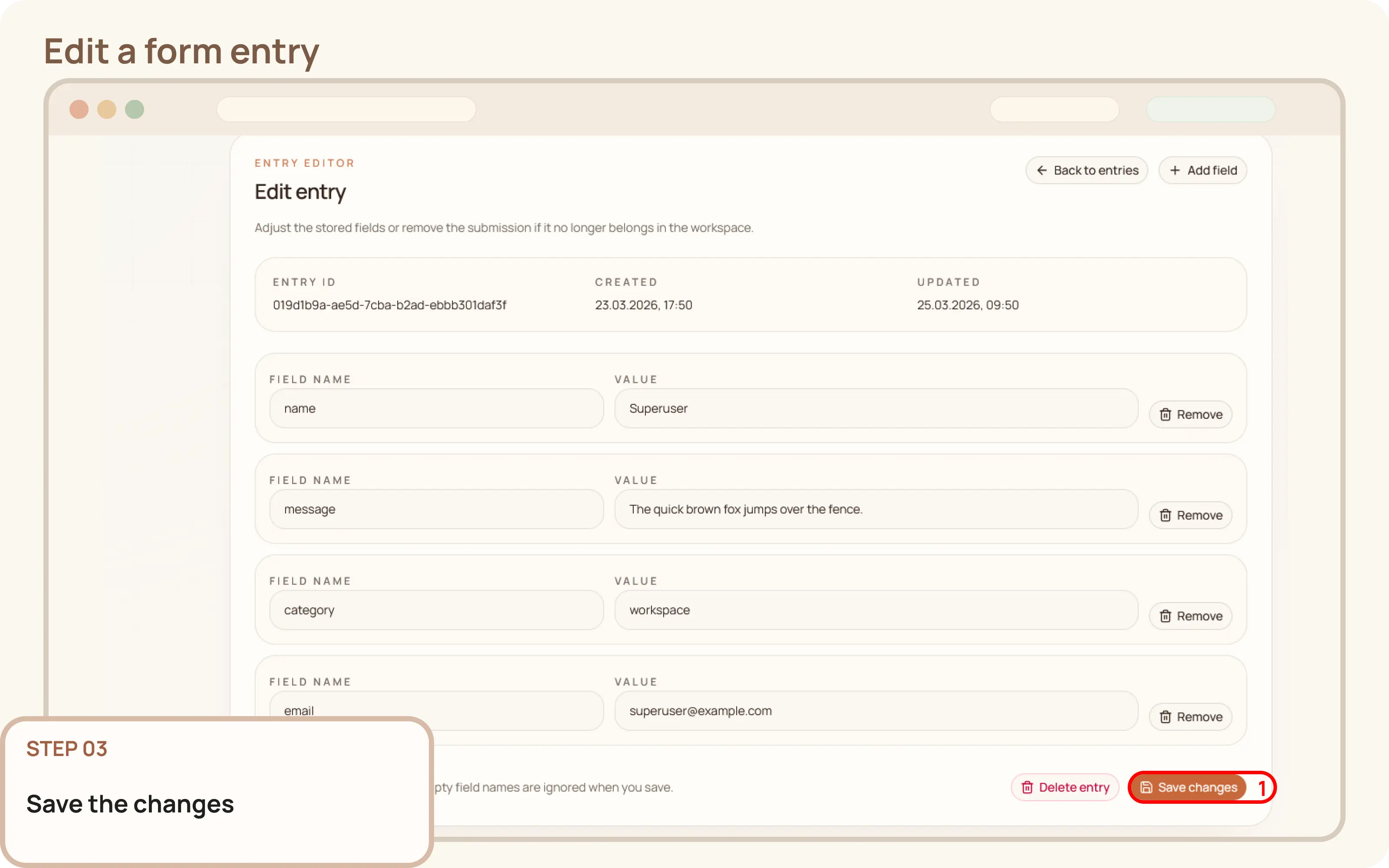
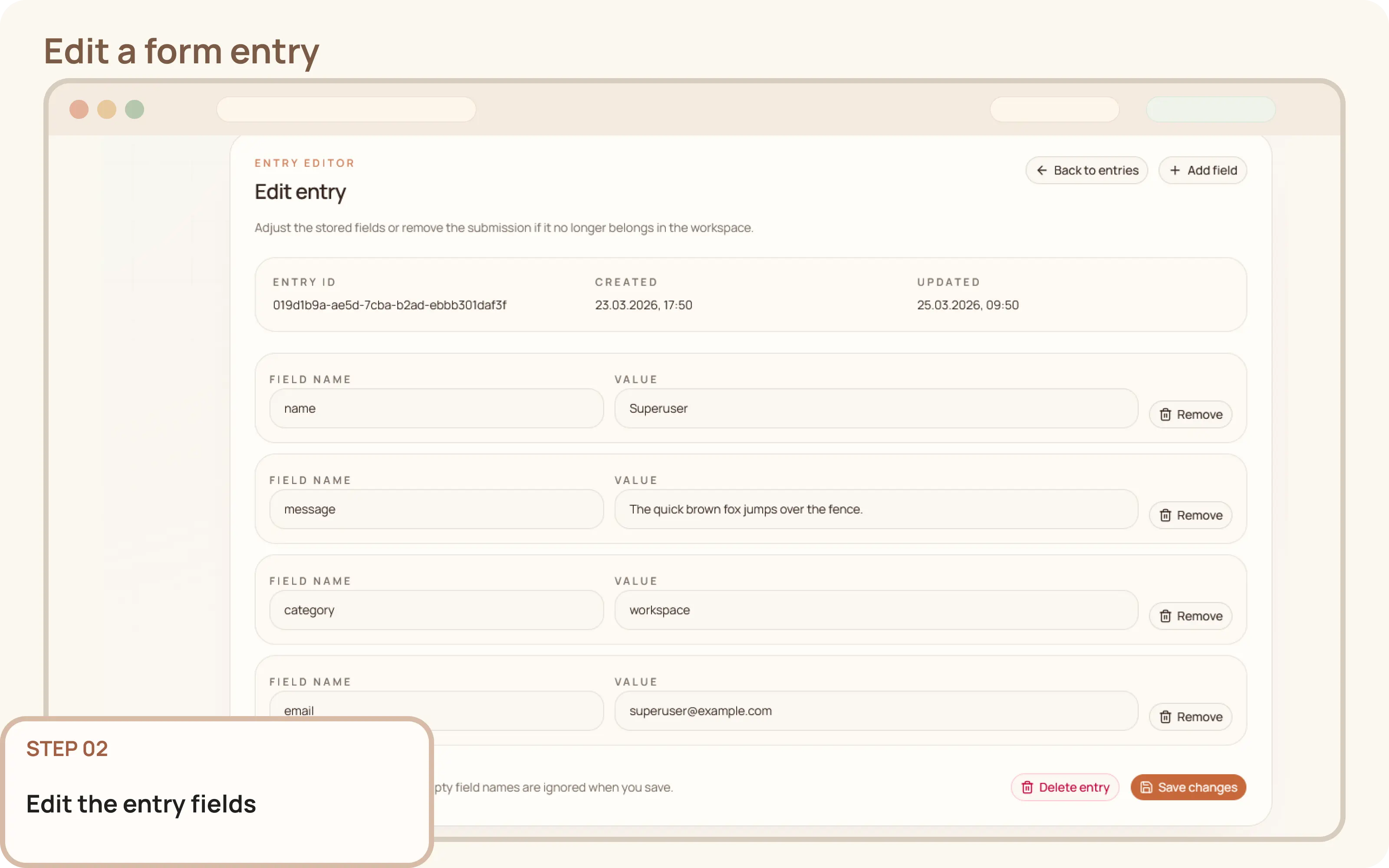
Workspace > Forms > Entries.The entry editor allows you to make the following changes:
Click Save entry to apply your modifications. The updated values will then be reflected in the entries view for that form.